Steven Park
How to convert SVG to PNG
This guide shows how to use simply CLI command on MacOS to convert a SVG to PNG.
Usage
- Generate PNGs
- for web
- for drawings
- for higher resolution
MacOS
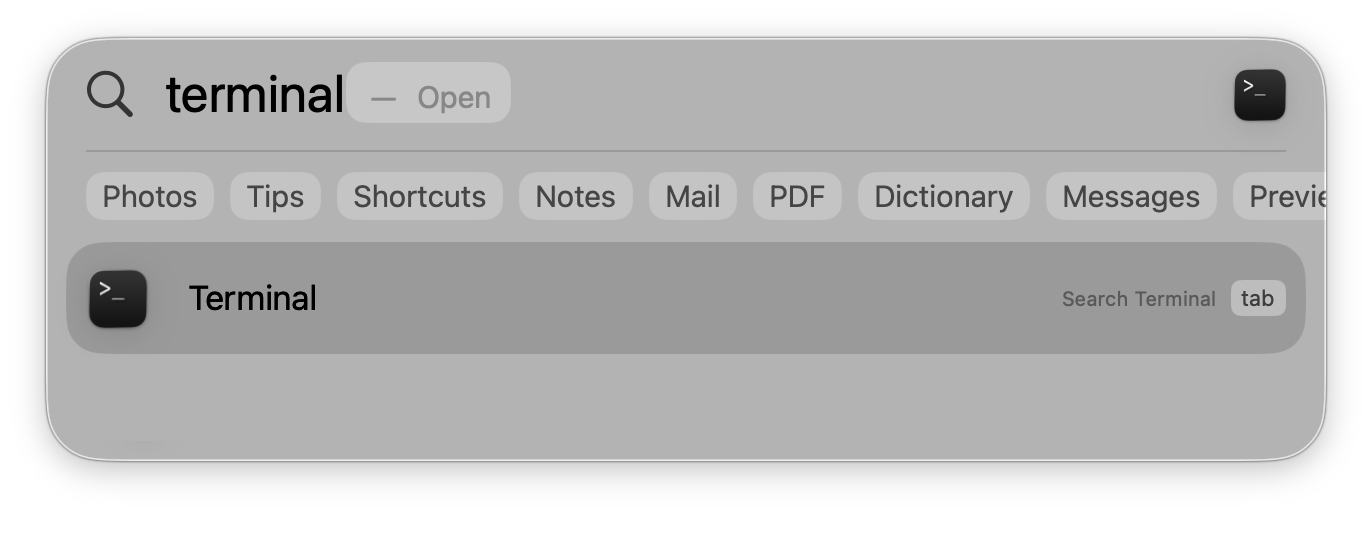
Step 1. Open terminal
Cmd-Space

Type terminal & hit enter
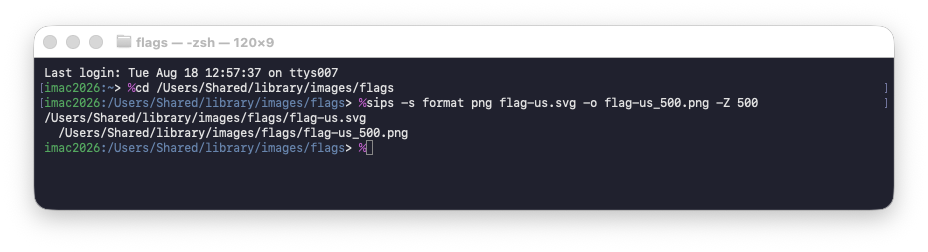
Step 2. Change directory to SVG file
Example,
cd /Users/Shared/library/images/flags
Step 3. Execute sips command
sips -s format png input.svg -o output.png -Z 500
Step 4. (optional) Open PNG in Preview
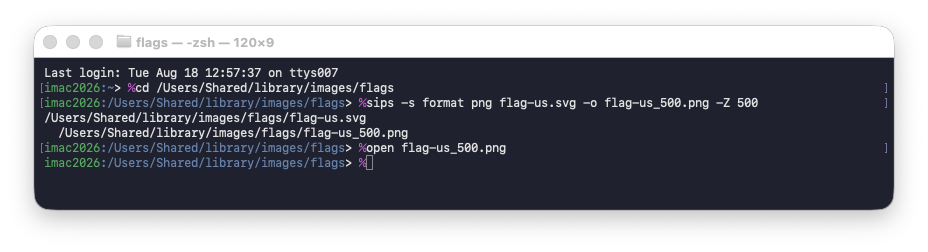
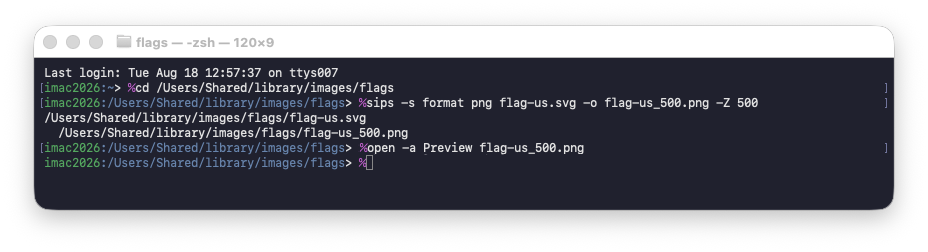
Open the generated PNG in Preview app by running command:
open output.pngopen -a Preview output.png
Examples,
open flag-us_500.png
open -a Preview flag-us_500.png
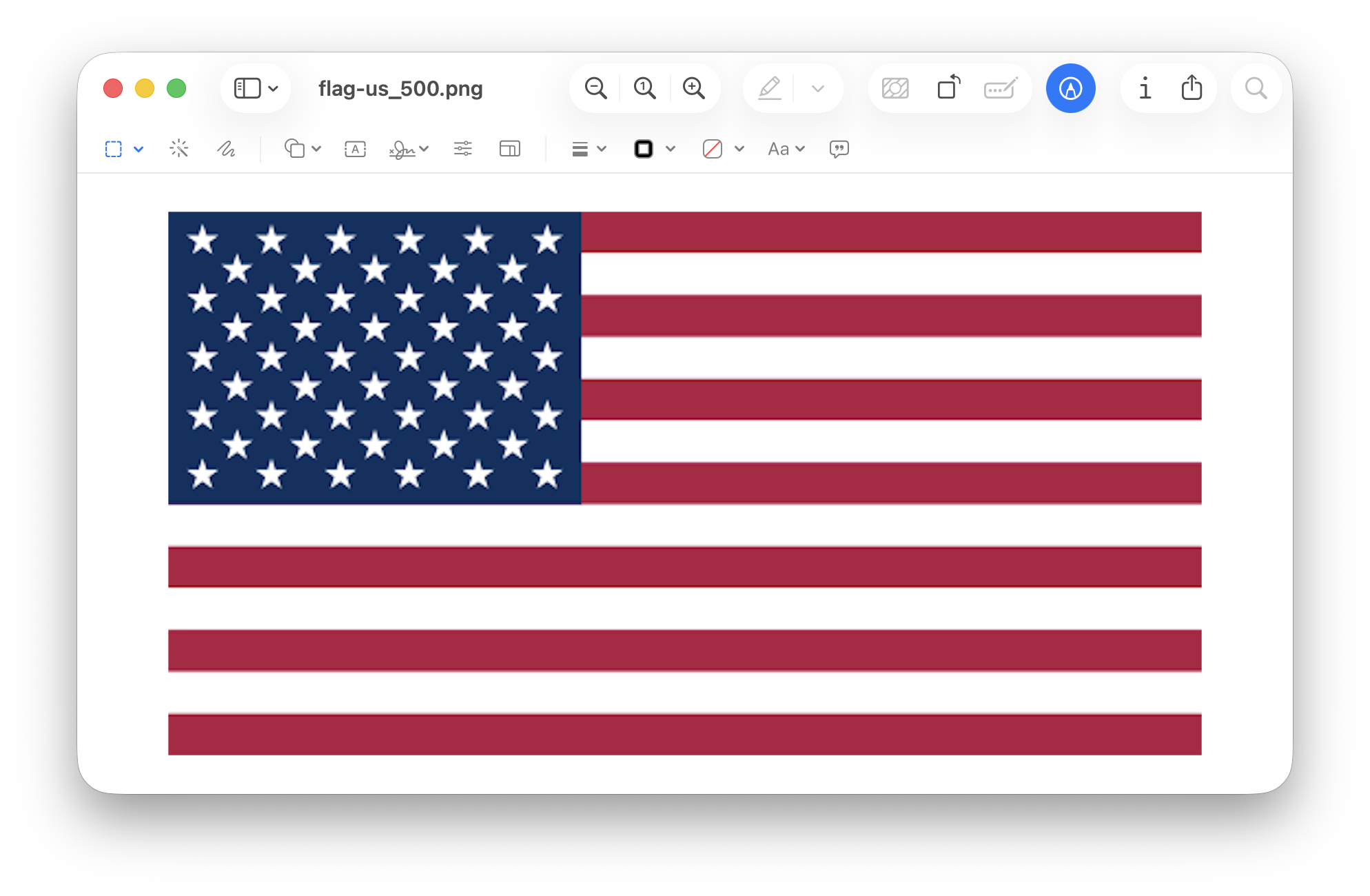
Example PNG,

Step 5. (optional) Open SVG in Browser
Open the original SVG in browser to compare:
open -a "Google Chrome" input.svg
Example,
open -a "Google Chrome" flag-us.svg
Reference
sips
sips -s format png input.svg -o output.png -Z 500
Example,
sips -s format png BlueCrossBlueShield-logo.svg -o BlueShieldBlueCross-logo.png -Z 500