Steven Park
i18n g10n of Images with Text
I pointed out problem of images with text in terms of target language (ie internationalization and globalization). Business was not easily convinced of UX/UI impact to people of different language origins.
My recommendation to remove images with text or replace with alternatives was taken, improving the UX/UI.
Improvements
- No image version alternate needed for i18n g10n
- Fewer image assets
- More readable
- More accessible
Image i18n / g10n
Example Image with Text,
“Powerful Backing” text in English

- sourced and derived from BB_Flip.gif

Example Image without Text,
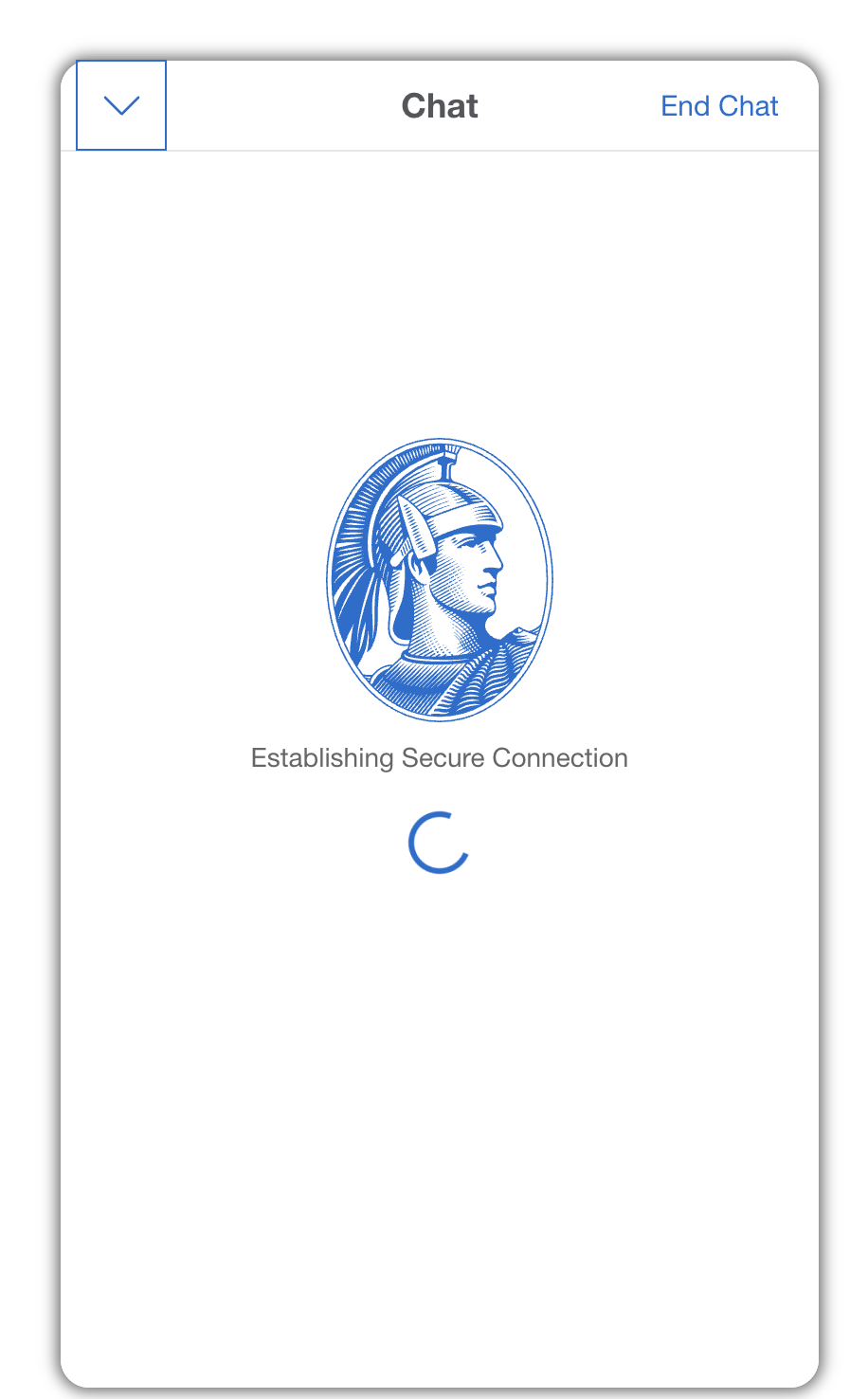
Above “Powerful Backing” image was replaced with a spinner CSS animation.

Internationalized / Globalized Image
Below is result of all images being internationalized / globalized.
Button i18n / g10n
Example Button using Image with Text,
“Chat” text in English in image

<div id="chatInvite" style="display: block;">
    <div class="flex legacy" id="chatButtonInvite" alt="Chat">
        <button>
            <img src="https://icm.aexp-static.com/content/dam/chat/pill-button.jpg" width="80px" />
        </button>
    </div>
</div>
Example Button using CSS,
“チャット” (Chat) text in Japanese in HTML (not in an image)

<div id="chatInvite" style="display: block;">
    <div class="flex legacy" id="chatButtonInvite" alt="Chat">
        <button class="btn btn-icon btn-sm icon-hover dls-icon-chat dls-chat-pill dls-chat-pill-blue aa-chat-pill" style="background-color:#00175A;border-radius: 2rem;" aria-label="Chat" tabindex="0">
            <span class="lbl-chat">チャット</span>
        </button>
    </div>
</div>
“Chat” text in English in HTML (not in an image)
<div id="chatInvite" style="display: block;">
    <div class="flex legacy" id="chatButtonInvite" alt="Chat">
        <button class="btn btn-icon btn-sm icon-hover dls-icon-chat dls-chat-pill dls-chat-pill-blue aa-chat-pill" style="background-color:#00175A;border-radius: 2rem;" aria-label="Chat" tabindex="0">
            <span class="lbl-chat">Chat</span>
        </button>
    </div>
</div>